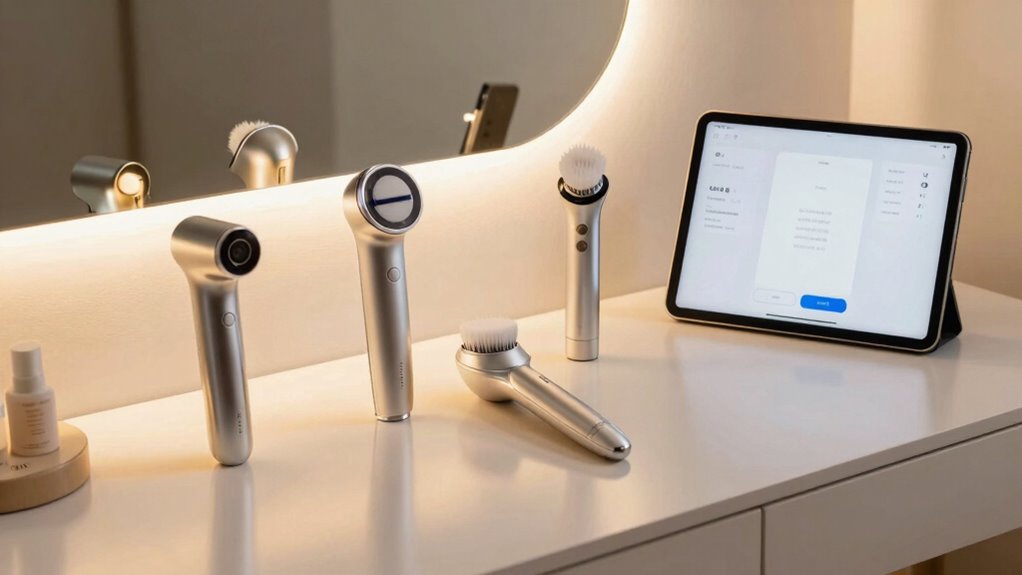

To avoid app fatigue with your smart beauty devices, prioritize meaningful notifications and turn off non-essential alerts. Customize app settings to fit your lifestyle, such as scheduling reminders at convenient times and disabling features you don’t need. Review privacy settings to feel confident with your data. Limiting notifications and adjusting interactions can help you stay engaged without feeling overwhelmed. Keep these tips in mind, and you’ll discover more ways to enjoy your device stress-free and effectively.

Get wellness gear delivered free — and shop member deals
- Fast, free delivery on millions of items
- Access to Prime Big Deal Days deals on October 6–7
- Prime Video, Amazon Music and more included
Key Takeaways
- Limit notification frequency and turn off non-essential alerts to reduce constant interruptions.
- Customize app settings to match your routine and disable features when not needed.
- Regularly review privacy settings and restrict data sharing to foster trust and confidence.
- Set reminders at convenient times to maintain engagement without feeling overwhelmed.
- Focus on meaningful interactions by prioritizing relevant updates and avoiding unnecessary app use.
As smart beauty devices become more popular, many users find themselves overwhelmed by constant app notifications and complex features, leading to app fatigue. This overload can make you feel frustrated and less inclined to use your device regularly. To avoid this, it’s essential to manage your interaction with the app thoughtfully. Start by prioritizing user engagement that feels meaningful rather than intrusive. Turn off non-essential notifications so that you only receive updates that truly matter to your skincare routine or goals. This prevents the app from constantly vying for your attention, which can become overwhelming over time.
Another key step is to familiarize yourself with the app’s settings and customize how you engage with it. Many apps allow you to adjust notification preferences, set reminders at specific times, or even disable certain features temporarily. By tailoring these options to your lifestyle, you reduce the chances of feeling bombarded with alerts. This not only streamlines your experience but also helps you stay consistent with your skincare regimen without feeling burdened. Remember, the goal is to make your interaction with the device straightforward and enjoyable, rather than a chore.
Data privacy is another critical aspect to weigh when it comes to avoiding app fatigue. Many users worry about how their personal information is being used, which can lead to discomfort or distrust in the app. To address this, review the privacy settings within the app and limit data sharing to only what’s necessary. Regularly check the privacy policy, so you’re aware of what data is collected and how it’s protected. Feeling confident that your information is secure allows you to use the device without anxiety, reducing the mental load that can contribute to fatigue. Understanding data privacy features can help you make informed decisions about your engagement.
Additionally, some apps offer features that enhance data privacy, such as anonymized data collection or encrypted storage. Taking advantage of these options can further ease your concerns. When you trust the app’s handling of your data, you’re more likely to engage with it positively and consistently. This trust fosters a healthier relationship with your smart beauty device, ensuring it remains a helpful tool rather than a source of stress. Moreover, staying informed about privacy policies can help you feel more in control of your personal information.
Ultimately, you can prevent app fatigue by establishing a balanced routine of engagement and staying informed about your data privacy. Limit notifications, customize your settings, and stay confident in your privacy protections. These practices help you enjoy your smart beauty device’s benefits without feeling overwhelmed, making your skincare journey both effective and enjoyable.
smart beauty device app notification settings
As an affiliate, we earn on qualifying purchases.
As an affiliate, we earn on qualifying purchases.
Frequently Asked Questions
Are There Alternative Ways to Track My Beauty Routines Without Apps?
Yes, you can track your beauty routines without apps by using manual tracking methods like skincare journals or diaries. Jot down daily routines, products used, and results to monitor progress and identify patterns. This hands-on approach helps you stay organized without relying on technology, reducing app fatigue. Plus, it encourages mindfulness about your skincare habits and lets you customize your routine based on your observations.
How Do I Choose the Best Smart Beauty Device for My Skin Type?
Ever wonder if a device truly suits your skin? To choose the best smart beauty device, consider your skin compatibility first—look for products designed for your skin type, whether sensitive, oily, or dry. Then, evaluate device features like adjustable settings, treatment options, and ease of use. By aligning these factors, you’ll find a device that enhances your routine without risking irritation or frustration.
Can Using Multiple Devices Lead to Skin Irritation or Damage?
Using multiple devices can lead to device overuse, increasing your risk of skin irritation or damage, especially if you have sensitive skin. Overdoing treatments can compromise your skin’s barrier and cause redness, burning, or dryness. To prevent this, follow the recommended usage guidelines, listen to your skin’s signals, and avoid switching devices too often. Giving your skin time to recover helps maintain its health and prevents adverse effects.
What Are Signs of App Fatigue Beyond Boredom or Annoyance?
You might notice signs of app fatigue beyond boredom, like feeling overwhelmed or anxious every time you check your device—it’s like your tech dependency has taken over your life. You could also experience decreased user engagement, skipping routines or ignoring notifications. These signs indicate your mind and body are reacting negatively to constant use, making it essential to set boundaries. Recognizing this helps restore balance and keeps your beauty routines enjoyable and effective.
How Often Should I Reset or Update My Smart Beauty Devices?
You should reset or update your smart beauty devices regularly, ideally every few weeks, to guarantee peak performance. Keep up with device maintenance by performing software updates promptly, as they often include bug fixes and new features that enhance your experience. Resetting your device periodically helps clear any glitches and keeps it running smoothly. Staying consistent with these practices minimizes app fatigue and ensures your device functions effectively over time.
personalized skincare device reminders
As an affiliate, we earn on qualifying purchases.
As an affiliate, we earn on qualifying purchases.
Conclusion
So, next time your smart beauty device asks for yet another update or prompts you to open its app, remember—it’s just trying to keep up with your busy life. Ironically, all these digital features are meant to simplify beauty routines, yet they often leave you feeling more exhausted. Maybe the real beauty hack is to ignore the app overload and just enjoy the glow—without the constant digital nudge. Sometimes, less truly is more.
privacy settings for smart beauty devices
As an affiliate, we earn on qualifying purchases.
As an affiliate, we earn on qualifying purchases.
stress-free beauty device management
As an affiliate, we earn on qualifying purchases.
As an affiliate, we earn on qualifying purchases.
Fall Picks
fall essentials
As an affiliate, we earn on qualifying purchases.